AboutTermsPrivacyContact
 
Updating
Pocket Note Pro

Pocket Note Pro

Released: 2016-09-10
© 2016 - 2021 Naoaki Sekiguchi & Studio K's
Pocket Note Pro - QR Code
Version 11.12
4+
Download on the App Store
Version 11.12
4+
Download on the App Store
Released: 2016-09-10
© 2016 - 2021 Naoaki Sekiguchi & Studio K's

iPhone Screenshots

Screenshot
Screenshot
Screenshot
Screenshot
Screenshot

iPad Screenshots

Screenshot
Screenshot
Screenshot
Screenshot
Screenshot

Description

Would you like to make your smartphone or tablet PC into a useful business tool? 
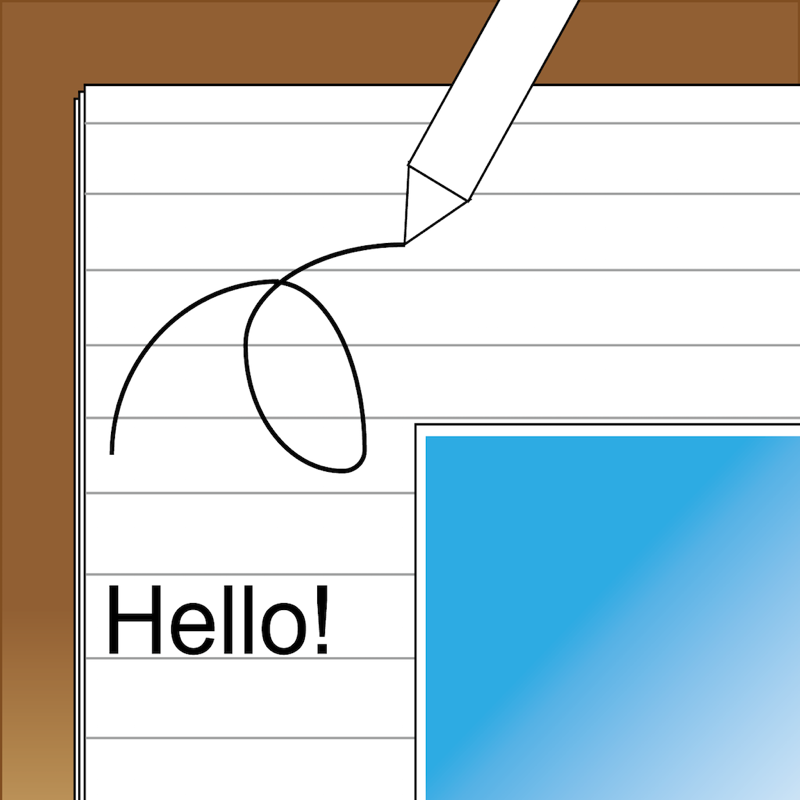
Pocket Note is a notepad application specially designed for the business scene.
With Pocket Note, you can quickly put your ideas together by a straightforward, simple operation.
[Major functions]
- We provided grid lines and horizontal ruled lines on the notepad to make it easier to organize what you write down.And when you don't need a grid or horizontal lines, you can choose "blank".
- You can input either manually or from the keyboard (compatible with Apple Pencil).
 For manual input, choose from 2 pens, "regular" or "thick", and an eraser.
 For pen size and color, choose from 20 sizes and 25 colors.
- You can paste up to 20 photos on each page.
- You can paste maps.
 With a map, you can do the following:
  You can display your current position on the map using GPS.
  By continuously pressing down at a given location on the map, you can place a pin at the location.
  By inputting a name or address, you can place a pin at that location.
  You can also specify the zoom factor as you wish.
- By pasting figures and lines, you can display your notes graphically.
 For figures, choose from rectangles, triangles or circles.
 You can specify their size and shape freely.
 Lines may be with or without arrows.
 For figures and lines, choose from 25 different colors.
- You can save your notes as an image or a PDF file. You can do the following:
 Print them out with a printer.
 Save them as images in iOS "Photos".
 Attach them to emails as images or PDF files.
 Share them as images with iCloud Photo Sharing.
 Paste them as images in iOS standard "Notes".
 Save them as PDF files in iOS standard "iBooks".
 They can be uploaded as images to Twitter, Facebook, Google+, Instagram, Evernote, Flickr, Line, etc.
 (If these applications are installed. Also, if the application is compatible with iOS App Extensions, they can be uploaded as images.)
- Notes can be organized into groups.
 Several groups can be set for each note.
 Notes can be displayed by group, or by modified date.
- It's compatible with iCloud, so you can share your notes on your iPhone or iPad.
- Compatible with Siri Shortcuts.
[Contact us]
https://www.studioks.net/en/contact-us/
[Studio K's - Business Applications Maker]
https://www.studioks.net/en/
What's New in Version 11.12

This update contains stability and performance improvements.

Seller

Name

NAOAKI SEKIGUCHI

Information

Categories

Version

11.12

Size

20.4 MB

Game Center

No

VPP Device Licensing

Yes

Rating

Rated: 4+

Compatibility

iOS 9.3 or later

Devices

iPhone 4S, iPhone 5, iPhone 5c, iPhone 5s, iPhone 6, iPhone 6 Plus, iPhone 6s, iPhone 6s Plus, iPhone SE, iPhone 7, iPhone 7 Plus, iPhone 8, iPhone 8 Plus, iPhone X, iPhone XR, iPhone XS, iPhone XS Max, iPhone 11, iPhone 11 Pro, iPhone 11 Pro Max, iPhone SE (2nd generation), iPhone 12, iPhone 12 Pro, iPhone 12 Pro Max, iPhone 12 mini, iPad 2 (Wi-Fi), iPad 2 (3G), iPad (3rd Generation) (Wi-Fi), iPad (3rd Generation) (4G), iPad (4th Generation) (Wi-Fi), iPad (4th Generation) (4G), iPad (5th Generation) Wi-Fi, iPad (5th Generation) Wi-Fi + Cellular, iPad (6th generation) Wi-Fi, iPad (6th generation) Wi-Fi + Cellular, iPad Pro, iPad Pro (Cellular), iPad Pro (9.7-inch), iPad Pro (9.7-inch) (Cellular), iPad Pro 12.9-inch (2nd generation), iPad Pro 12.9-inch (2nd generation) Wi-Fi + Cellular, iPad Pro (10.5-inch), iPad Pro (10.5-inch) Wi-Fi + Cellular, iPad Pro (11-inch), iPad Pro (11-inch) Wi-Fi + Cellular, iPad Pro 12.9-inch (3rd generation), iPad Pro 12.9-inch (3rd generation) Wi-Fi + Cellular, iPad Air, iPad Air (Cellular), iPad Air 2, iPad Air 2 (Cellular), iPad Air (3rd generation), iPad Air (3rd generation) Wi-Fi + Cellular, iPad mini (Wi-Fi), iPad mini (4G), iPad mini Retina, iPad mini Retina (Cellular), iPad mini 3, iPad mini 3 (Cellular), iPad mini 4, iPad mini 4 (Cellular), iPad mini (5th Generation), iPad mini (5th Generation) Wi-Fi + Cellular, iPad (7th generation) Wi-Fi + Cellular, iPad Pro 11-inch (2nd generation), iPad Pro 11-inch (2nd generation) Wi-Fi + Cellular, iPad Pro 12.9-inch (4th generation), iPad Pro 12.9-inch (4th generation) Wi-Fi + Cellular, iPad Air (4th Generation) (Wi-Fi), iPad Air (4th Generation) (Wi-Fi + Cellular), iPad (8th generation) Wi-Fi, iPad (8th generation) Wi-Fi + Cellular, iPod touch (5th generation), iPod touch (6th Generation), iPod touch (7th generation)

Languages

English, Chinese, French, German, Italian, Japanese, Korean, Portuguese, Russian, Spanish

App Store: Customer Ratings

Ratings & Reviews

4.3 of 5 (27 Ratings)

App Store: Customer Reviews

2019-09-28

Waste for me....

Couldn’t find wrist/hand reliefs
Blast056
Version 8.1
2019-03-10

This keep notes app

This is the finest app I deal with you can insert pictures
with your notes and you can have a different color note
This is a great great app
Dhockless
Version 7.1
2018-05-22

Amazing app

It has everything you need for a student
jason_chu 1998
Version 3.1